Merge Minute
Merge fast. Every merge buys time.
- Round
- 2 minutes
- Works on
- Mobile & desktop
- Category
- Puzzle
Merge Minute controls: Swipe or arrow keys to merge. Press Play, then the game takes the keyboard. Press Tab to leave it.
Free play · 2 minutes · no sign-in
Swipe or arrow keys to merge
How to play Merge Minute
Swipe (or press an arrow key) to slide every tile on the grid in that direction.
Two tiles with the same number merge into one worth their sum, and you score its value.
Each merge winds the clock half a second; a crystal tile merged before it fades winds it three seconds more.
Slide the gold ×2 tile into a number tile to double it, and chase the milestone shown under the clock.
Keep merging: the round ends when the clock runs out, when no move is left, or at the two-minute bell.
Controls
| Input | Action |
|---|---|
| Swipe ↑ ↓ ← → | Slide the tiles (a quick flick works too) |
| Arrow keysW A S D | Slide the tiles |
| Mouse drag | Slide the tiles |
Tips
Pick a corner for your biggest tile and keep it there, sliding mostly in the two directions that keep it pinned.
Speed matters more than in 2048: a quick move that makes one merge beats a long think that makes two.
Watch the crystal's ring: it drains in five seconds, so line up a matching tile next to it early.
Save the ×2 tile for your biggest tile when you can: doubling a 256 is worth far more than doubling a 4.
Moves that merge several pairs at once buy the most time, so look for rows of matching tiles.
If the board is filling up, work along a single row to open space before it locks.
About Merge Minute
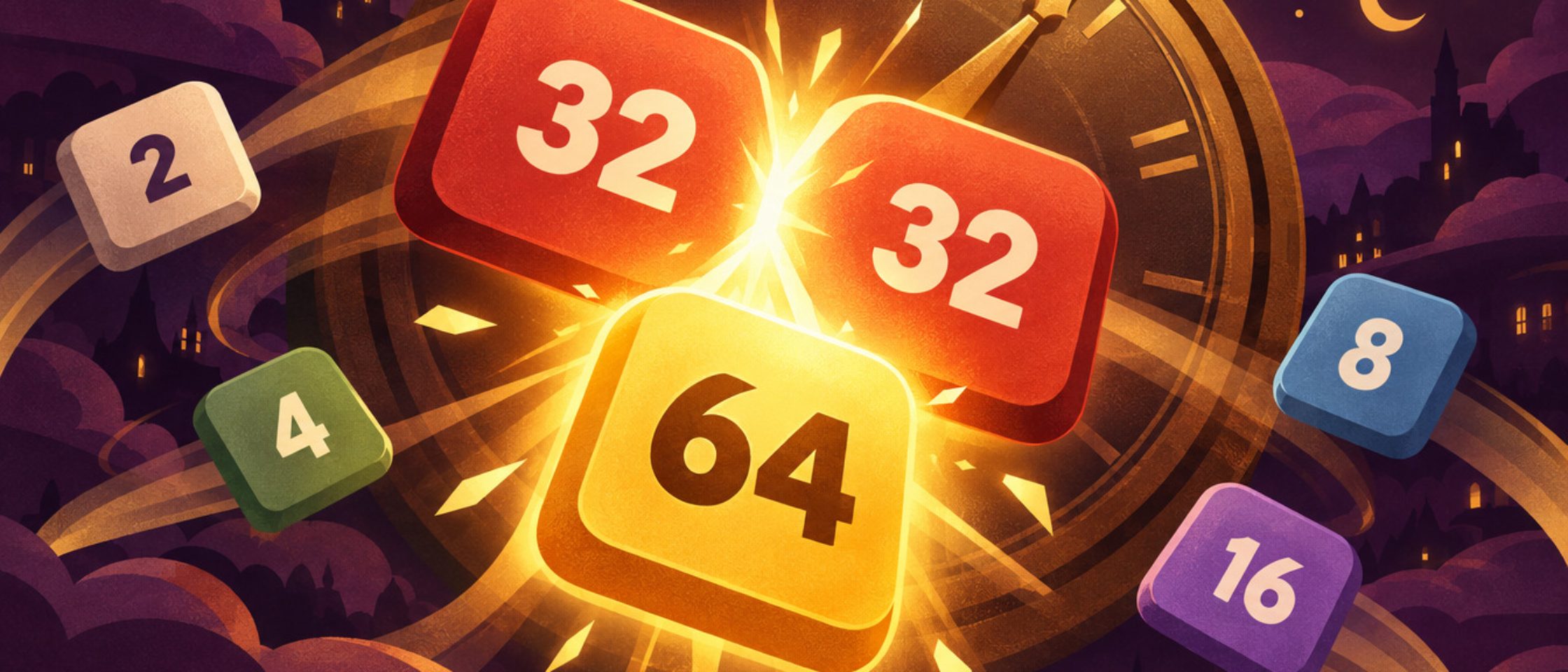
Merge Minute takes the sliding-tile number puzzle everyone knows from 2048 and mounts it on the face of a giant brass clock in a storybook town at night. Swipe the grid and every tile slides as far as it can; two tiles with the same number that meet merge into one worth their sum, and a new 2 (now and then a 4) drops into an empty square. The clock's hand is your timer: you start with a full minute, and every merge winds the clock half a second, so the only way to keep playing is to keep merging.
That turns a calm puzzle into a race. In classic 2048 you can stop and think as long as you like; here the hand creeps down while you hesitate, the clock turns red in the last ten seconds and ticks louder under five. Fast, confident moves keep it topped up, while a board that clogs with small, mismatched tiles drains your time or locks up with no move at all. The dial holds one minute, and a round lasts two minutes at most: anyone who keeps merging hears the clock tower's bell and a FULL TIME finish.
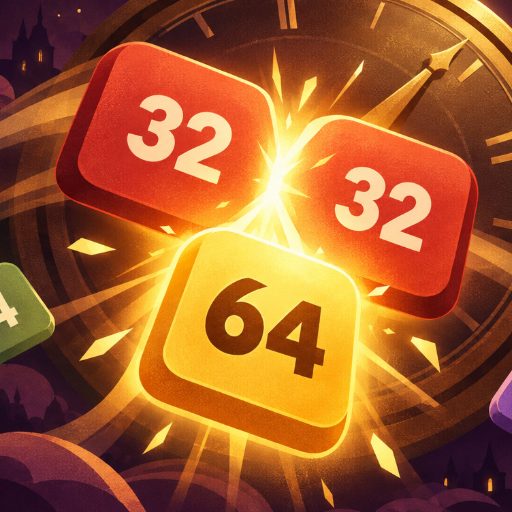
Three extras keep every round lively, and they arrive on the same schedule for every player. Every ten seconds a new tile carries a glowing time crystal that fades after five: merge that tile in time and the clock winds three seconds more (on a full clock the spare seconds become points instead). Every twenty seconds a gold ×2 tile appears: it doubles the first number tile it meets, so steer it into your biggest tile in the corner and watch a 256 become a 512 in a burst of light. And the goal chip under the clock always shows your next milestone: the first 64, 128, 256, 512, 1,024 and 2,048 tiles pay 100 to 4,000 bonus points.
Your score is the value of every tile you make by merging, plus the milestones and any crystal points. Each tile merges only once per swipe, so a row of four 2s becomes two 4s rather than an 8, and a swipe that moves nothing adds no tile and scores nothing while the clock keeps running. The classic strategy still wins: keep your biggest tile tucked into one corner and feed it from two directions, take the moves that merge several pairs at once, and take more care when free squares run short, because a careless swipe on a crowded board is the quickest way to lock it.
The first round is easy to start: the board always opens with a matching pair and an arrow showing the swipe that merges it, and short tips explain the crystal and the ×2 tile the first time they appear. Swipes register the moment your finger moves, a quick flick works too, and every slide takes under a tenth of a second, so fast players never wait for the animation. Each round ends with the board dimmed under the result: FULL TIME, TIME'S UP or NO MOVES, your score and your best tile.
Swipe on a phone or tablet, or use the arrow keys or WASD on a computer (a mouse drag works too). If you are looking for games like 2048, merge games or quick number games that fit into a spare two minutes, this is the place to start, alongside Maze Dash and Sudoku Sprint among our puzzle games. Play free rounds as often as you like and press Ranked attempt to put your best run on the leaderboard, where every top score is verified by replaying it on our servers.
Details
- Category
- Puzzle Games
- Tags
- Genre
- Puzzle
- Orientation
- Portrait (9:16)
- Works on
- Mobile & desktopPhones, tablets and computers
- Controls
- Keyboard, mouse or touch
- Released
- Updated
- Credits
- Design and development: Gamefinity
- Age rating
- 4+
Merge Minute FAQ
Is Merge Minute like 2048?
Yes. The sliding and merging rules are the same as 2048 on a 4×4 grid. The difference is the clock: you have a minute on the dial, every merge winds it half a second, and time crystals and the ×2 tile add a little extra to every round.
How long can a round of Merge Minute last?
At most two minutes. The clock starts full at one minute and never holds more; it ends earlier if the clock runs out or the board locks up with no move left.
What do the time crystals and the ×2 tile do?
A crystal rides on a new tile every ten seconds and fades after five: merge that tile in time for three more seconds (or points, if the clock is already full). The ×2 tile comes every twenty seconds and doubles the first number tile it meets. Both arrive at the same times in every round.
Why isn’t Merge Minute in the daily challenge?
In the daily everyone plays the same seed, and in Merge Minute the seed decides where each new tile appears. Knowing that order in advance would be an edge, so Merge Minute has its own leaderboards instead.
How do I play Merge Minute on a computer?
Use the arrow keys or W, A, S and D to slide the tiles, or drag with the mouse. On a touchscreen, swipe in any of the four directions.
Next up
More games like Merge Minute.